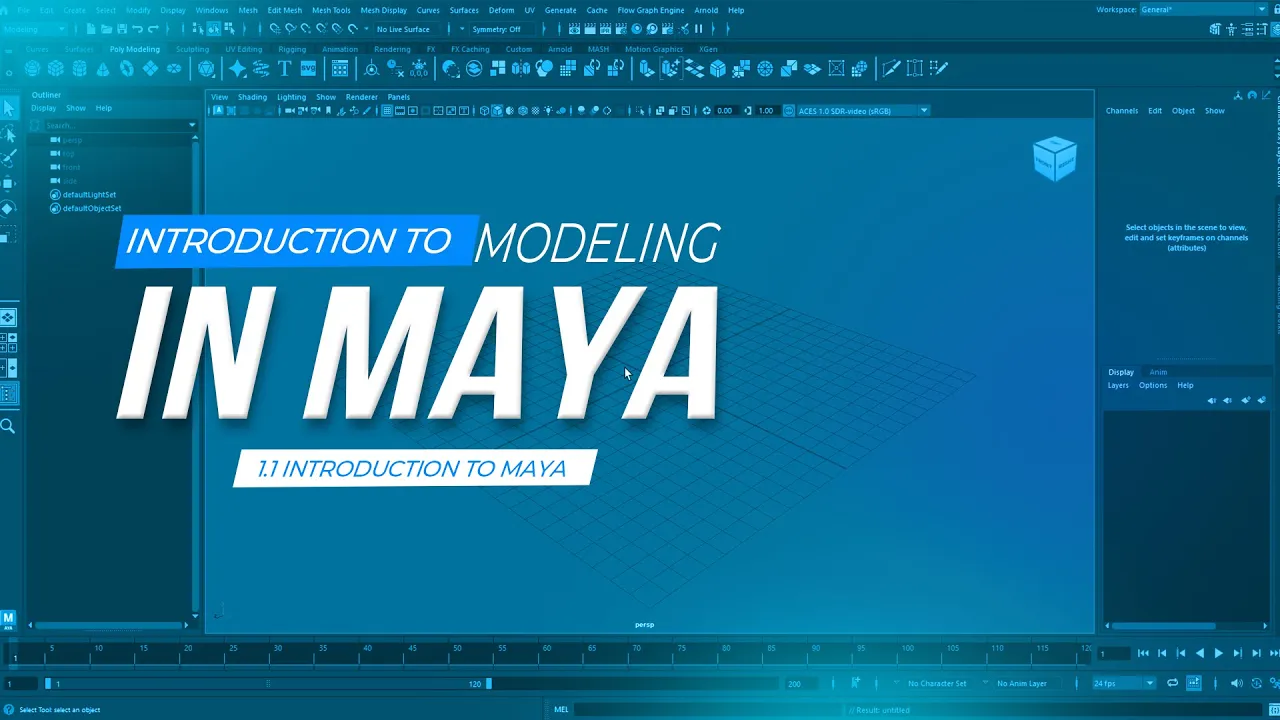
The world of 3D design is expanding rapidly across industries such as film, animation, video games, product visualization, architecture, and advertising. At the center of many professional production pipelines is Autodesk Maya, one of the most powerful and widely used 3D software applications in the world.
If you have ever wanted to learn how to create 3D models, design digital environments, or produce stunning visual effects, learning Maya is an excellent place to start. However, for beginners, the interface and tools in Maya can feel overwhelming at first.
This guide will walk you through the fundamentals of learning Maya, what you can expect from a beginner series, and how you can start building professional 3D skills step by step.
Why Learn Autodesk Maya?
Autodesk Maya is an industry-standard 3D software used by professionals in animation, game development, and visual effects. Major studios rely on Maya to create complex models, realistic animations, and cinematic visual effects.
Learning Maya gives you access to opportunities in areas such as:
-
3D modeling
-
Animation
-
Visual effects (VFX)
-
Game asset creation
-
Product visualization
-
Motion graphics
Many blockbuster films, animated productions, and AAA games have been created using Maya as part of their production pipeline.
Because of its versatility and power, Maya is considered one of the most valuable tools for anyone interested in a career in 3D art.
What Beginners Struggle With When Learning Maya
When beginners first open Autodesk Maya, they often encounter several challenges:
-
The interface appears complex
-
There are many unfamiliar tools and panels
-
Modeling workflows are not immediately obvious
-
Navigation inside the 3D viewport can feel confusing
Without proper guidance, many beginners become discouraged before they truly understand how powerful the software can be.
That is why structured beginner tutorials are essential. A good beginner course simplifies the learning process and introduces tools gradually through practical projects.
A Project-Based Approach to Learning Maya
One of the most effective ways to learn 3D modeling is through project-based learning. Instead of simply explaining tools, this approach teaches you how to apply them in real scenarios.
Through a structured beginner series, students learn Maya by creating an actual project from start to finish. This method helps learners understand not only how tools work, but also when and why to use them.
By building a complete project, beginners develop confidence and gain practical experience with real 3D workflows.
What You Will Learn in a Maya Beginner Series
A well-structured beginner course in Autodesk Maya focuses on the essential foundations needed to start creating 3D content.
Understanding the Maya Interface
The first step in mastering Maya is learning how to navigate the workspace. Students learn how to:
-
Navigate the 3D viewport
-
Control camera movement
-
Understand menus, toolbars, and panels
-
Customize the workspace for efficiency
Once students become comfortable with navigation, the rest of the learning process becomes much easier.
3D Modeling Fundamentals
Modeling is the process of creating 3D objects. In Maya, this is primarily done using polygon modeling techniques.
Students learn how to work with the basic components of 3D models:
-
Vertices
-
Edges
-
Faces
-
Polygons
They also learn how to use important modeling tools such as:
-
Extrude
-
Insert Edge Loop
-
Bevel
-
Multi-Cut
-
Merge and Bridge tools
These tools form the foundation of most 3D modeling workflows used by professionals.
Creating Clean Geometry
Good topology is essential for creating models that are efficient and easy to modify. Beginners learn how to:
-
Maintain clean edge flow
-
Avoid messy geometry
-
Build models that are suitable for animation and rendering
Understanding topology early in the learning process helps students develop strong modeling habits.
Applying Materials and Shaders
After a model is created, the next step is making it visually appealing using materials and shaders.
Students learn how to:
-
Apply materials to objects
-
Adjust surface properties
-
Control color, reflection, and roughness
-
Improve realism in their models
Materials play a crucial role in bringing 3D models to life.
Lighting a 3D Scene
Lighting is one of the most important aspects of creating visually compelling 3D renders.
In a beginner Maya course, students learn:
-
How light works in a 3D environment
-
The different types of lights available
-
How to position lights for better visual results
-
How lighting affects mood and realism
Even simple lighting setups can dramatically improve the quality of a render.
Rendering the Final Image
Rendering is the process of producing the final image from a 3D scene.
Students learn how to prepare their scenes for rendering, adjust render settings, and produce high-quality images using Autodesk Maya.
By the end of the process, students can transform a simple 3D model into a polished final image.
Why Beginners Should Start with Structured Tutorials
Trying to learn 3D software without a clear roadmap can slow down progress. Structured tutorials help beginners avoid common mistakes and focus on the most important skills first.
A beginner-friendly series provides:
-
Step-by-step guidance
-
Practical modeling exercises
-
Real project workflows
-
Clear explanations of tools and concepts
With the right guidance, learning Maya becomes far more enjoyable and productive.
Who Should Learn Maya?
Learning Autodesk Maya is beneficial for many types of creators, including:
-
Digital artists
-
Graphic designers
-
Animators
-
Game developers
-
Product designers
-
Visual effects artists
Even photographers and digital painters can benefit from understanding 3D workflows for lighting, composition, and scene creation.
Start Your Journey into 3D Creation
The world of 3D art offers endless creative possibilities. With the right training and consistent practice, anyone can learn how to create professional-quality 3D models and visualizations.
By starting with the fundamentals and following a structured learning path, beginners can quickly build the confidence needed to explore more advanced areas such as animation, simulations, and visual effects.
If you have ever wanted to create digital objects, environments, or cinematic scenes, learning Autodesk Maya is the perfect first step into the exciting world of 3D design.